MailmanLists
Modes de paiement
Paiement par carte de crédit/débit
Les paiements par carte de crédit/débit sont traités par PayPal, mais vous n'avez pas besoin de compte PayPal.
Cliquer sur le bouton « Payer maintenant » d'une facture ouvrira une page PayPal.
Sur la page PayPal, cliquez sur le bouton « Payer par carte de débit ou de crédit ».
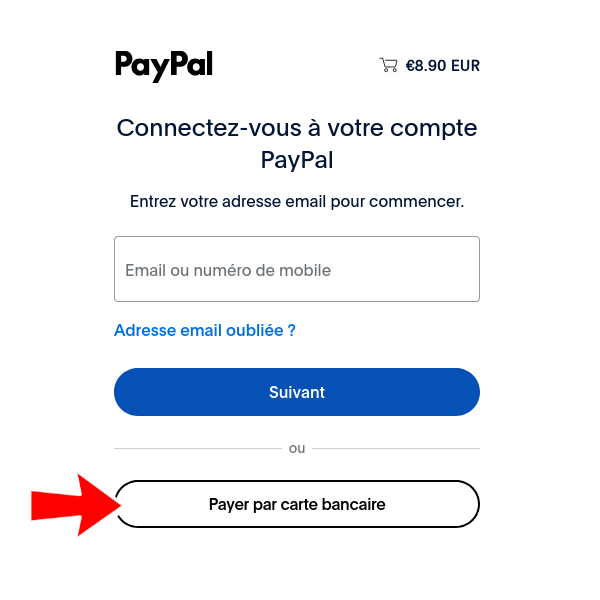
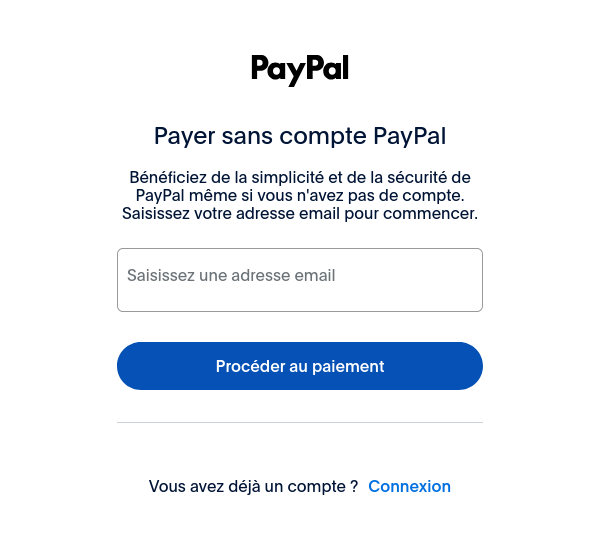
La page suivante vous demandera votre adresse e-mail. PayPal enverra votre reçu à cette adresse e-mail.
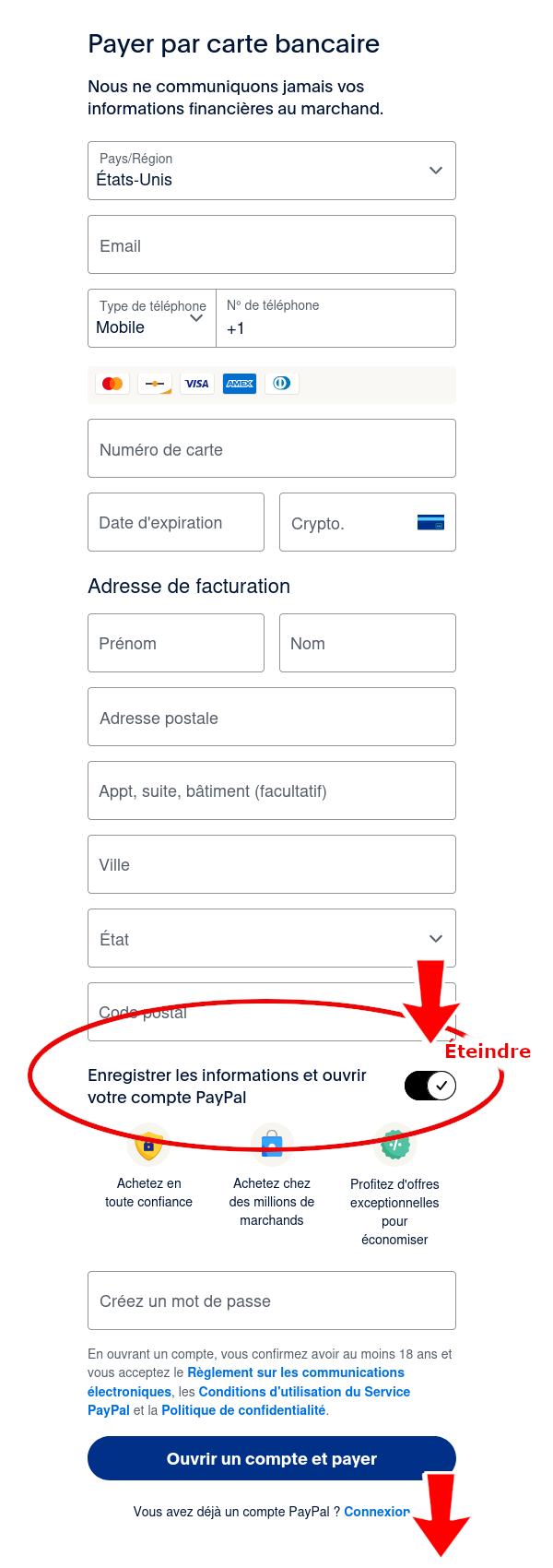
La page suivante vous demandera votre adresse de facturation.
PayPal utilise ces informations pour communiquer avec les sociétés de cartes de crédit, vérifier l'absence de fraude et s'assurer que la tentative de paiement est authentique.
Ces informations ne sont pas incluses dans la transaction et ne sont pas partagées avec MailmanLists.
Veuillez saisir les informations requises concernant l'adresse de facturation.
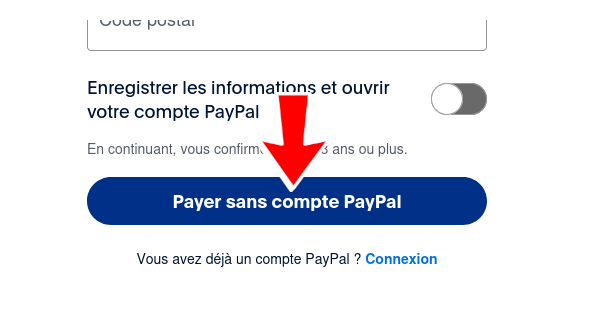
Si vous ne souhaitez pas créer de compte PayPal, désactivez l'option « Enregistrer les informations et créer votre compte PayPal ». L'option « Payer maintenant en tant qu'invité » s'affichera alors.
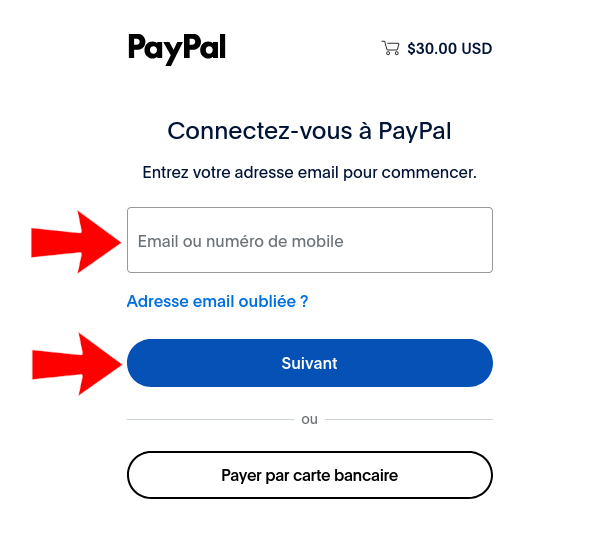
Payer via un compte PayPal
Cliquer sur le bouton « Payer maintenant » d'une facture ouvrira une page PayPal.
Sur la page PayPal, connectez-vous à votre compte et finalisez le paiement.
Paiement par virement bancaire direct
MailmanLists accepte les paiements par virement bancaire direct local en Australie (AUD), en Europe (EUR, CHF), au Royaume-Uni (GBP) et aux États-Unis (USD).
Les coordonnées bancaires locales de MailmanLists (pour votre devise par défaut) apparaissent sur votre facture.
Payer en Bitcoin
Avant de passer commande, veuillez sélectionner Bitcoin comme devise par défaut dans votre compte.
Le montant en Bitcoin et l'identifiant du portefeuille MailmanLists figureront sur votre facture.
Remarque : Seuls les dépôts en Bitcoin effectués via le réseau BTC standard sont acceptés. Les dépôts envoyés depuis un réseau non pris en charge (par exemple, Binance Smart Chain, Arbitrum, Lightning Network ou KCC) ne seront pas reçus et sont irrécupérables.